Pay Via Zelle
Paying via Zelle means every dollar goes directly to the Marquez Knolls Property Owner’s Association — no processing fees are deducted from your contribution.
01. Log into Your Bank Account: Open your bank’s mobile app or website and sign in. Make sure your account has Zelle enabled.
2. Go to “Send Money” with Zelle: Locate the Zelle option in your banking app — usually found under Transfers or Payments.
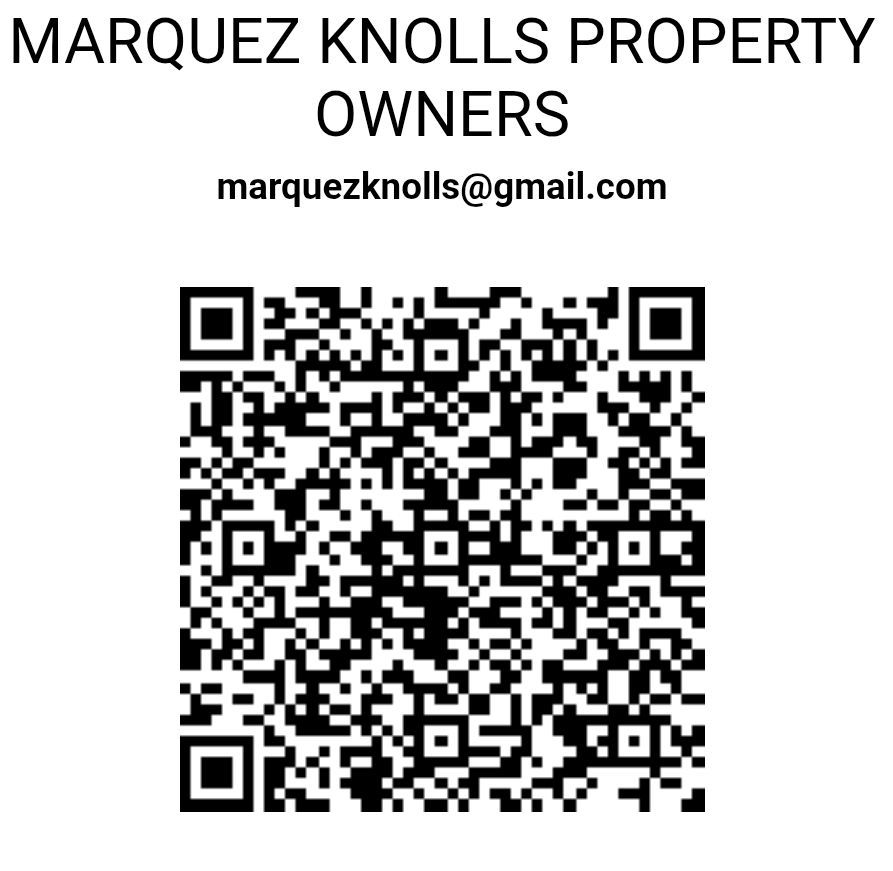
3. Find us — scan our QR code —>
-or- enter our Zelle ID: —> marquezknolls@gmail.com
4. Enter your amount: Choose the amount that matches your purpose.
- $100 – New or renewal membership.
- $1750 – View analysis fee.
- $750 – View analysis fee resubmission.
- $10 – $5,000 – View protection fund.
5. Review and confirm: Double-check the Zelle ID and amount — then tap Send. You’re done!.